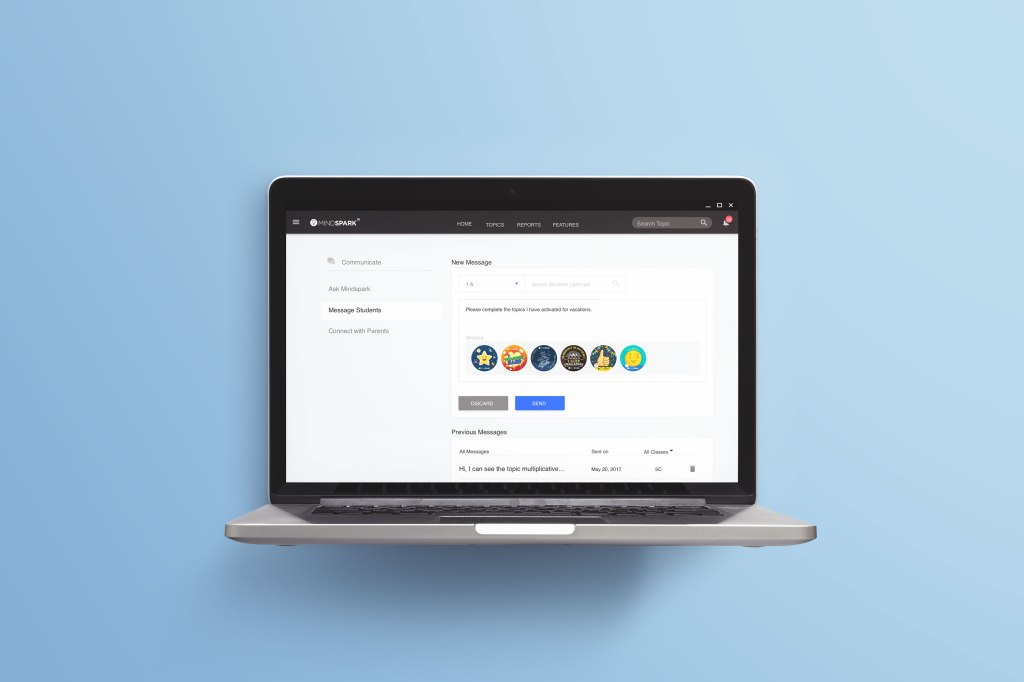
Educational Initiatives is an Ed-tech company based in Gujarat, India. They offer digital products focused on developing learning abilities in children of all capabilities. Their product ‘Mindspark Maths’ stems from the pedagogical research, conducted on the current educational curriculum followed by majority of Indian schools.
This was a 2 months project in which we designed a new messaging feature for teachers to share feedback and assignments with the students directly. The team consisted of myself, senior UX Designer, product manager and senior product manager.
I was responsible for conceptualising, UX design, field research, usability testing and User Interface.
THE PROBLEM
EI collaborates with private schools all across India. These schools use Mindspark as a part of their curriculum for e-learning and conducting test/practice sessions. Every tutor manages Mindspark in a way that enables them to conduct practice/test sessions on the topic currently being taught in the classroom. While the tutors could monitor each student’s performance and activity on Mindspark, it was observed that students requested for active feedback based on their performance. Extra sessions were needed to provide feedback.With tutor student ratios of upto 1 for 25 students. It wasn’t possible for them to cater to all requests in one session.
UNDERSTANDING REQUIREMENTS
Based on user feedback and interviews a new messaging feature was suggested that would allow tutors to provide active feedback. The requirements for messaging students feature were shared with us.
PAPER PROTOTYPING
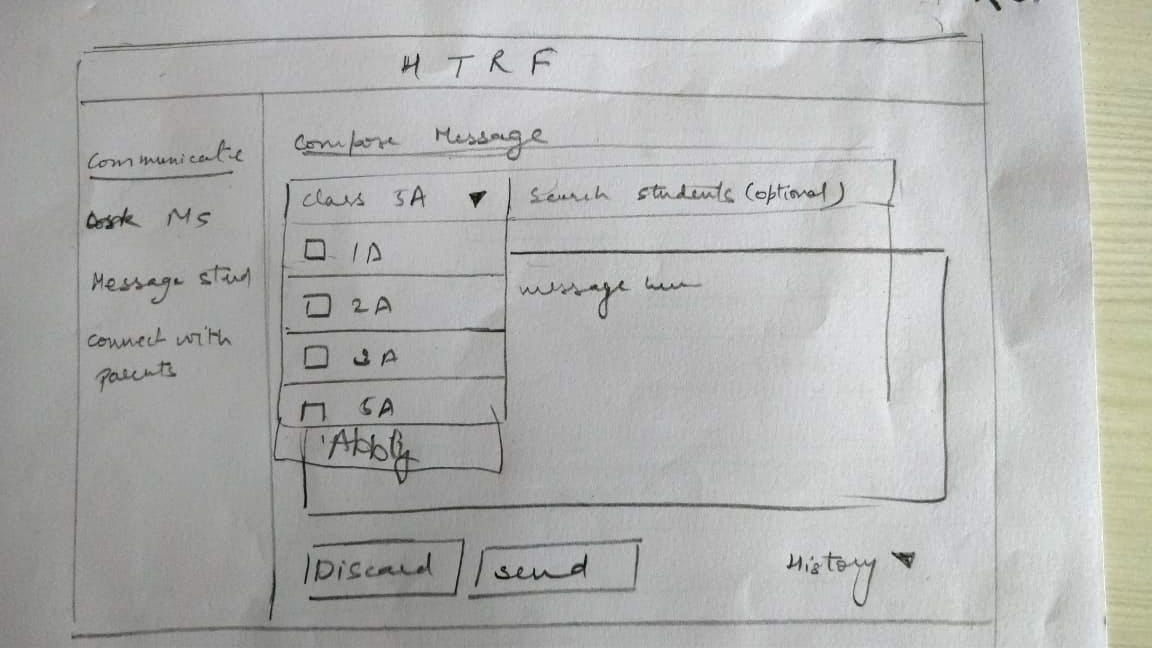
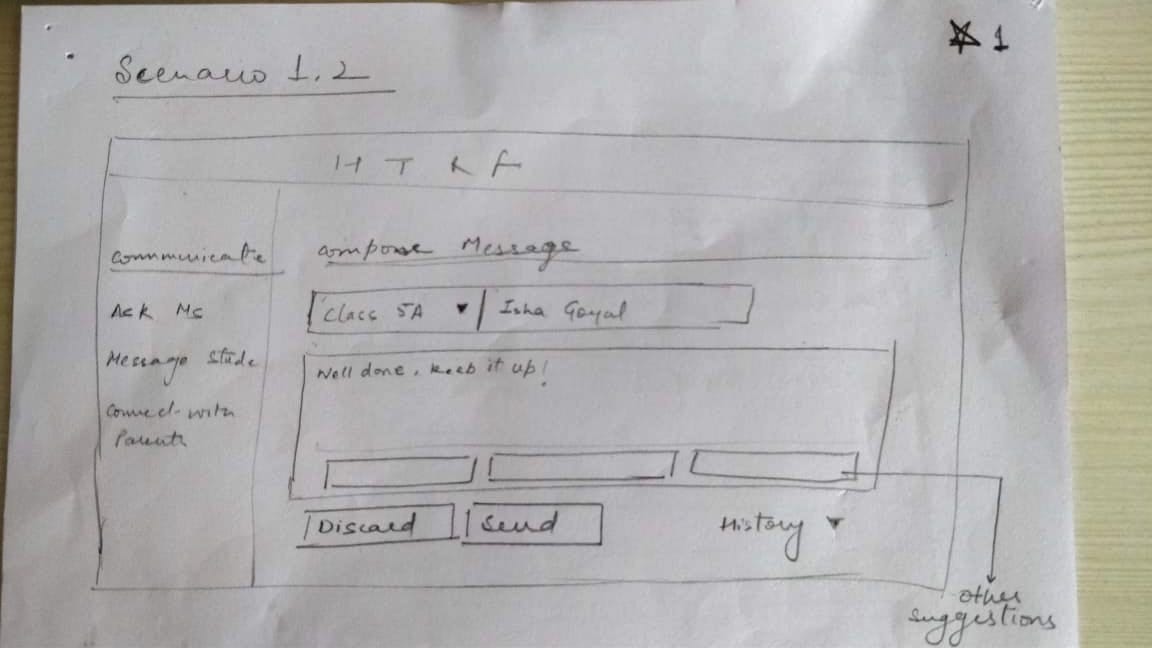
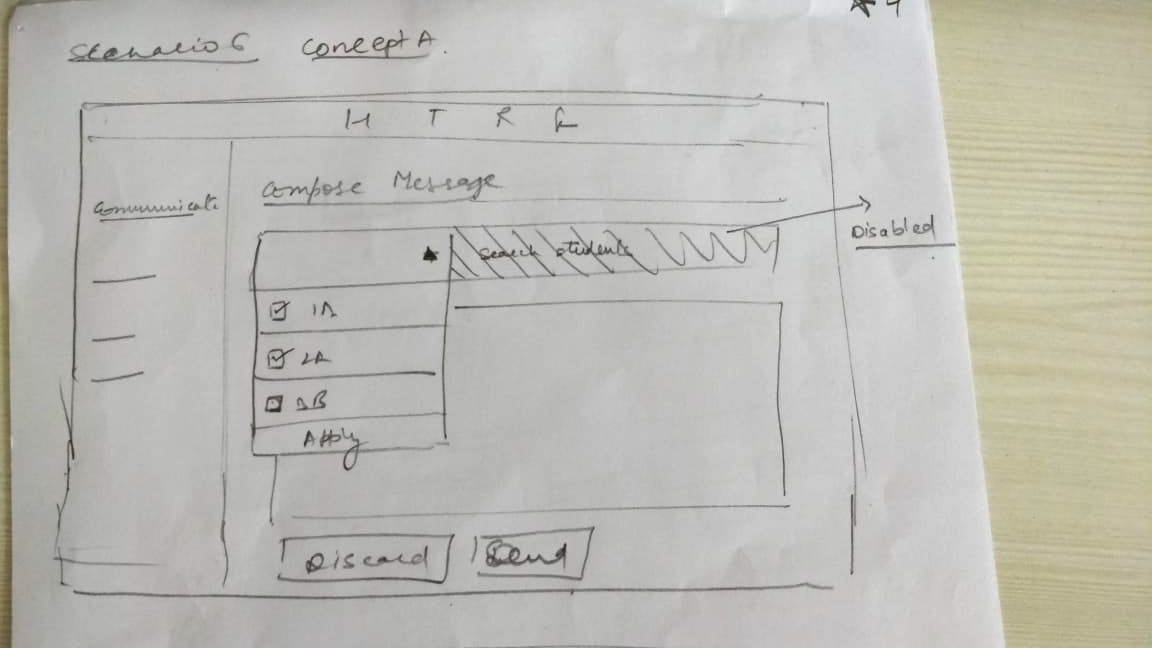
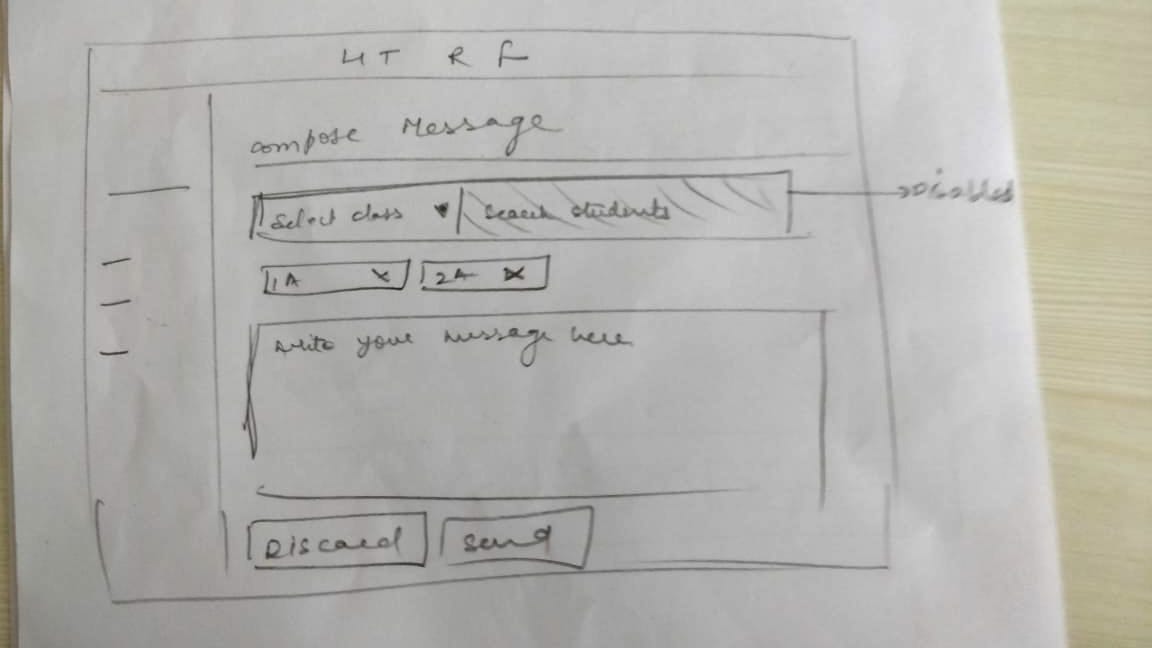
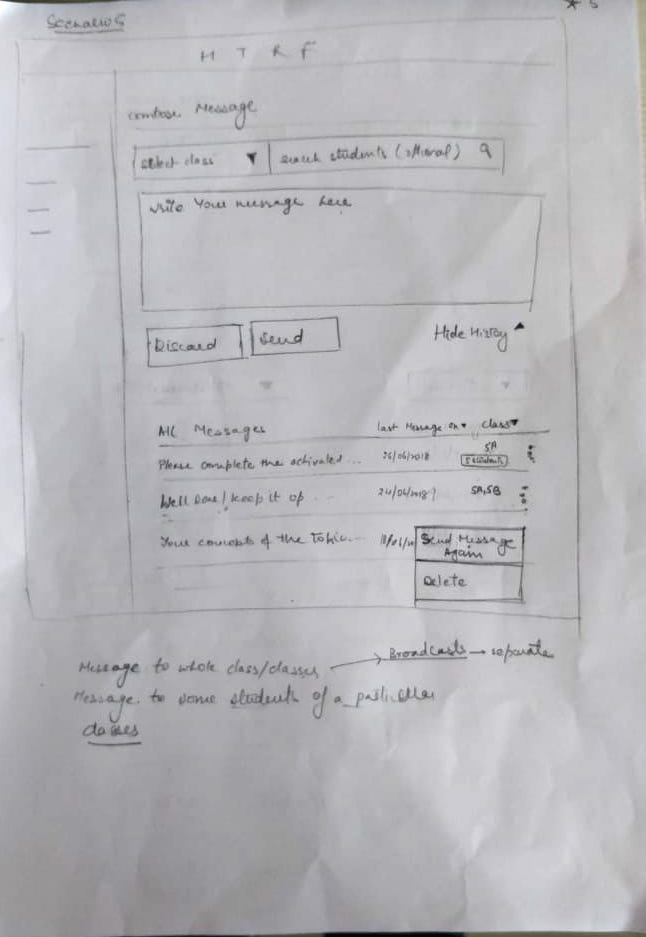
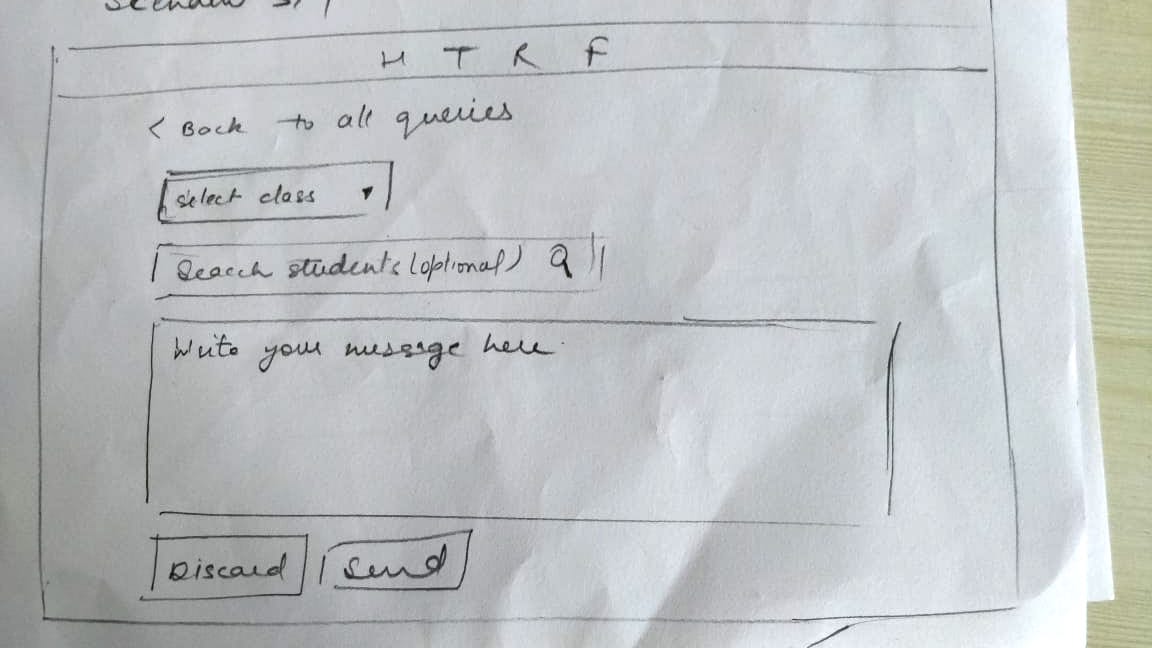
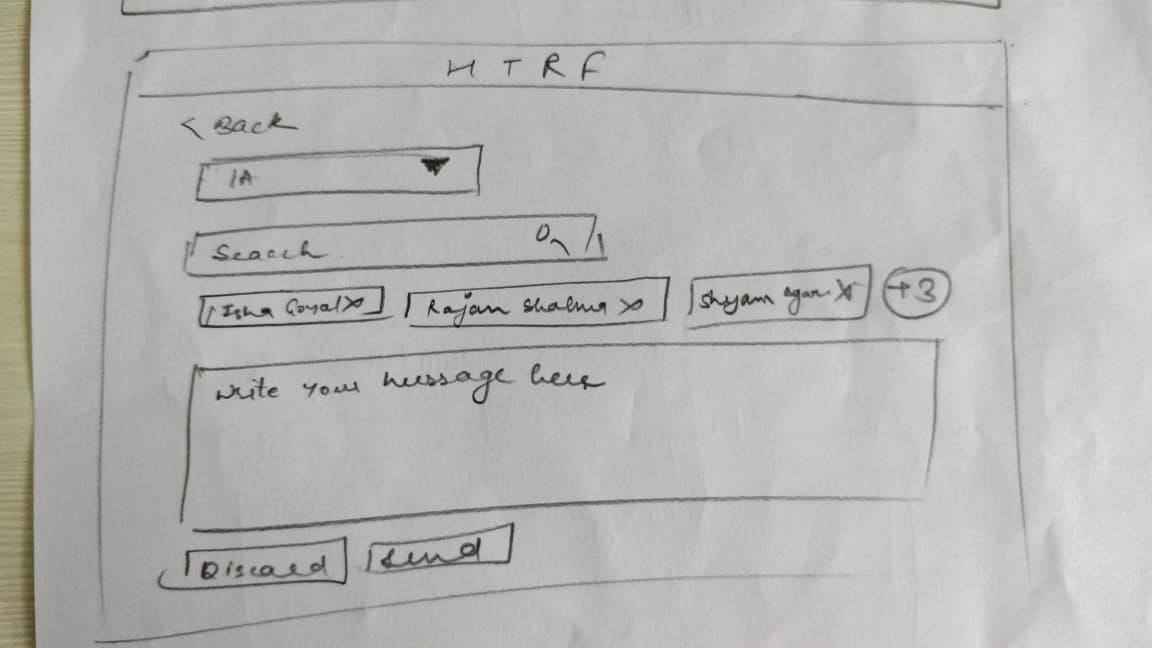
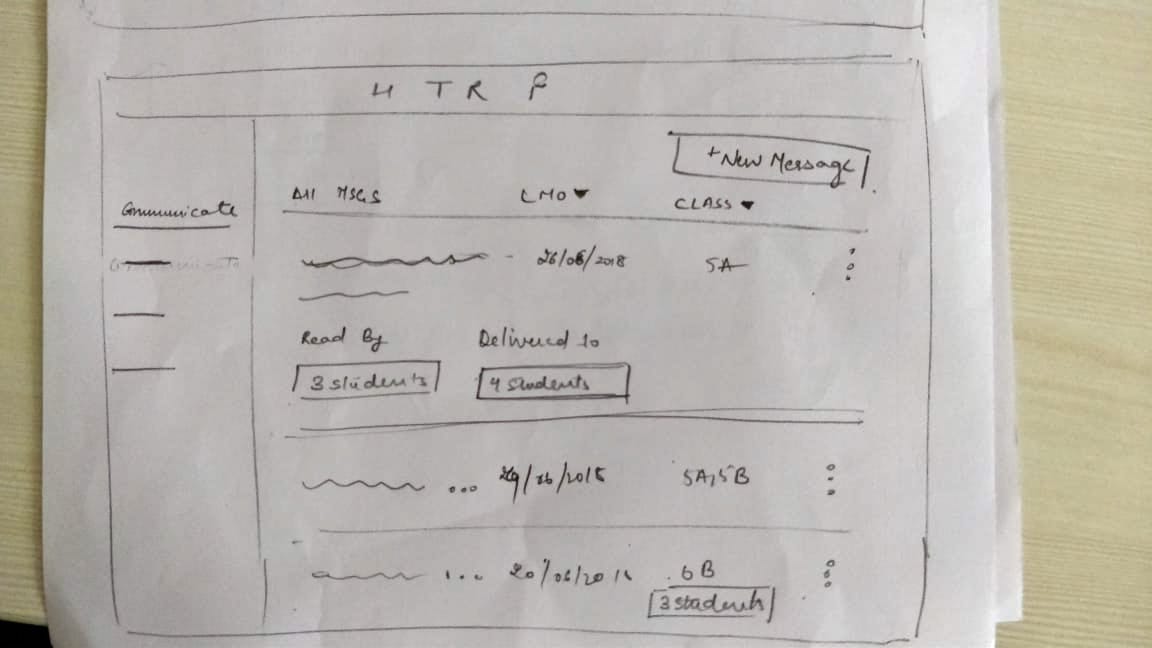
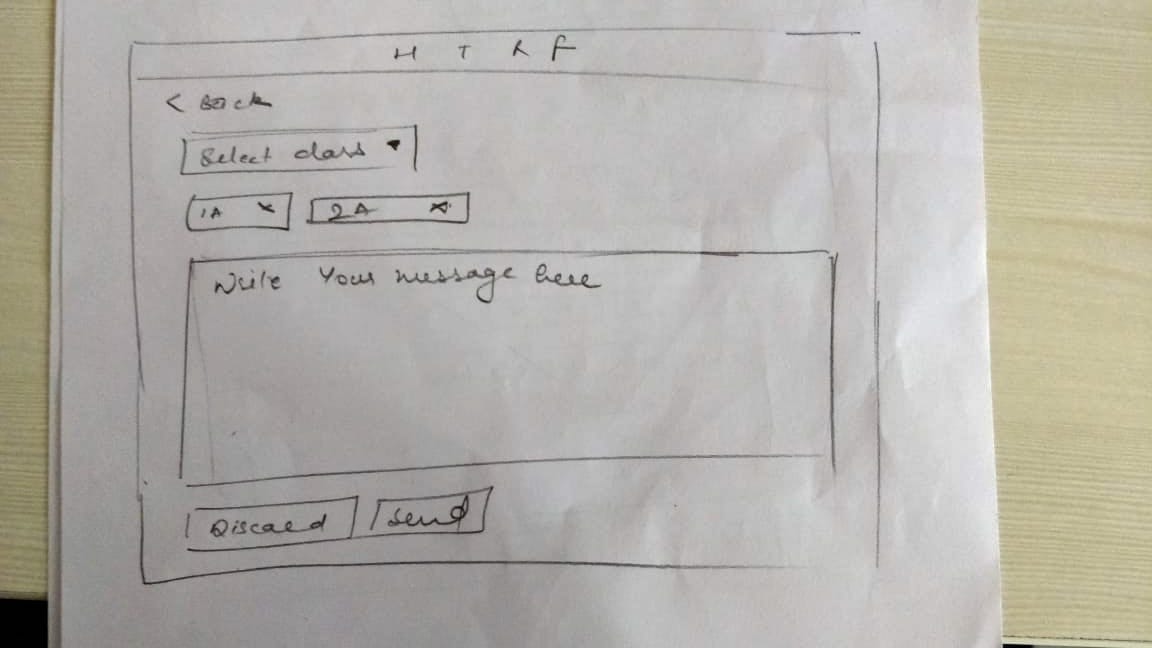
We brainstormed two different prototypes from the requirements gathered. The prototypes were kept lo-fi with essential elements and we used the paper prototyping approach for efficiency and inclusive feedback.
Both concepts were designed and evaluated based on different scenarios. The scenarios were defined based on possible actions a teacher may perform while messaging student(s). The scenarios are as given below:
- Send a message across the whole class.
- Send a message to selected students from the same class.
- Sending message across multiple classes.
- Send a message to students only without selecting any class.
- Save a custom message as favorite.
Concept 1
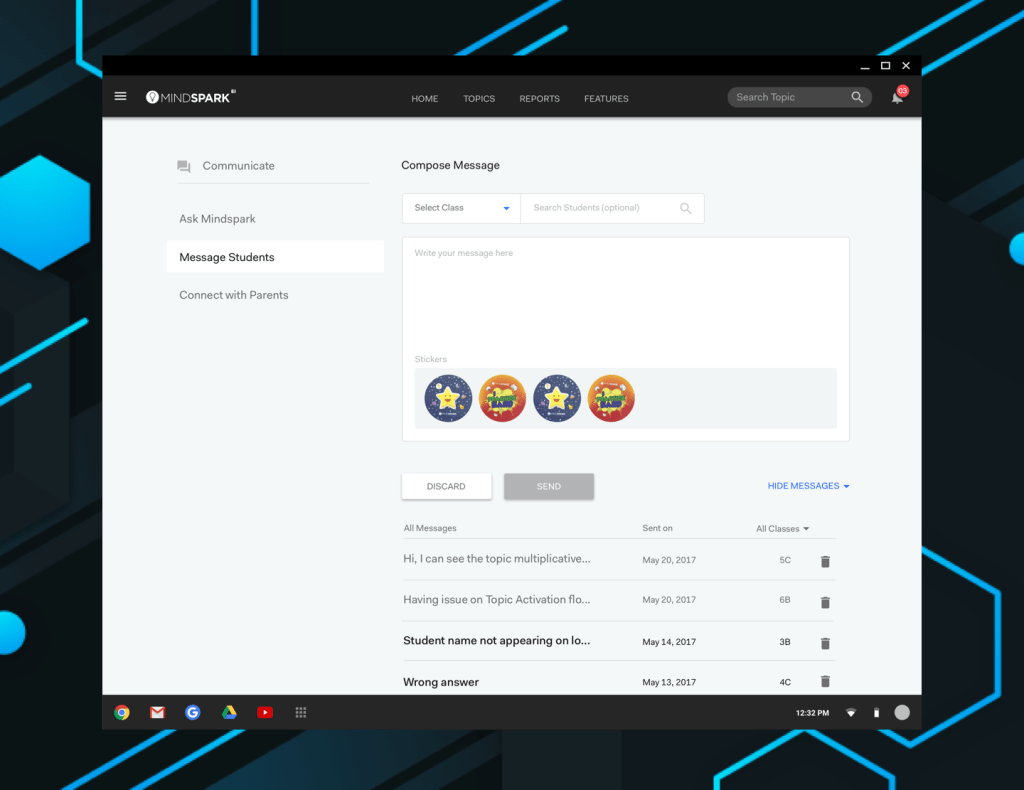
The first concept enabled access to the sent messages on the same page.

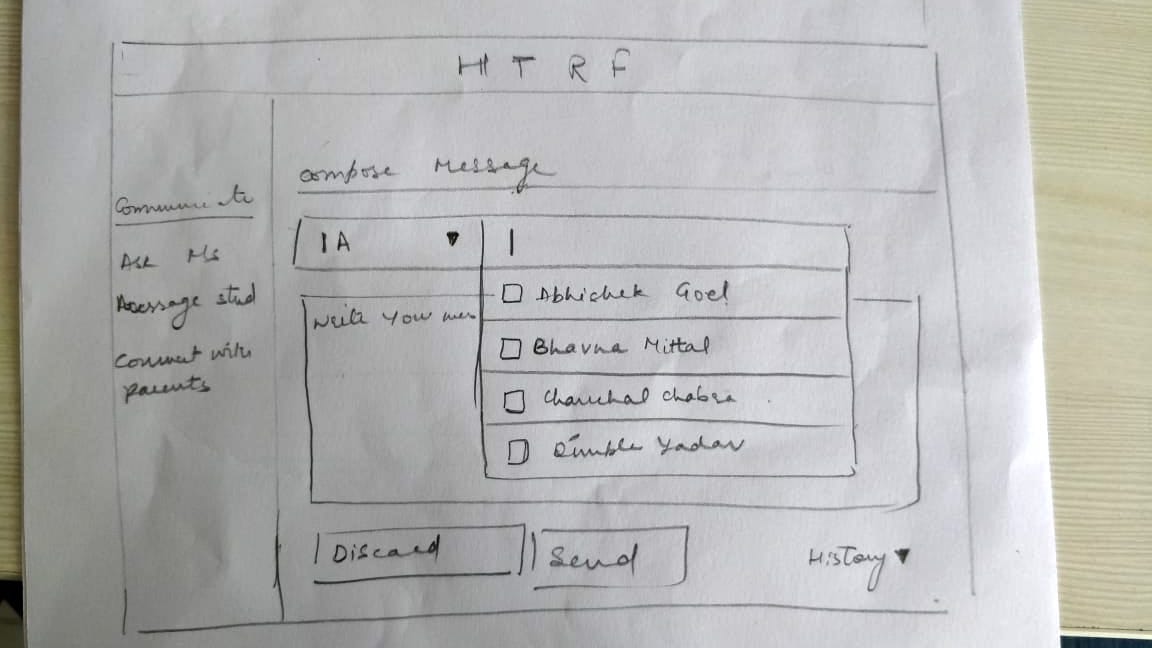
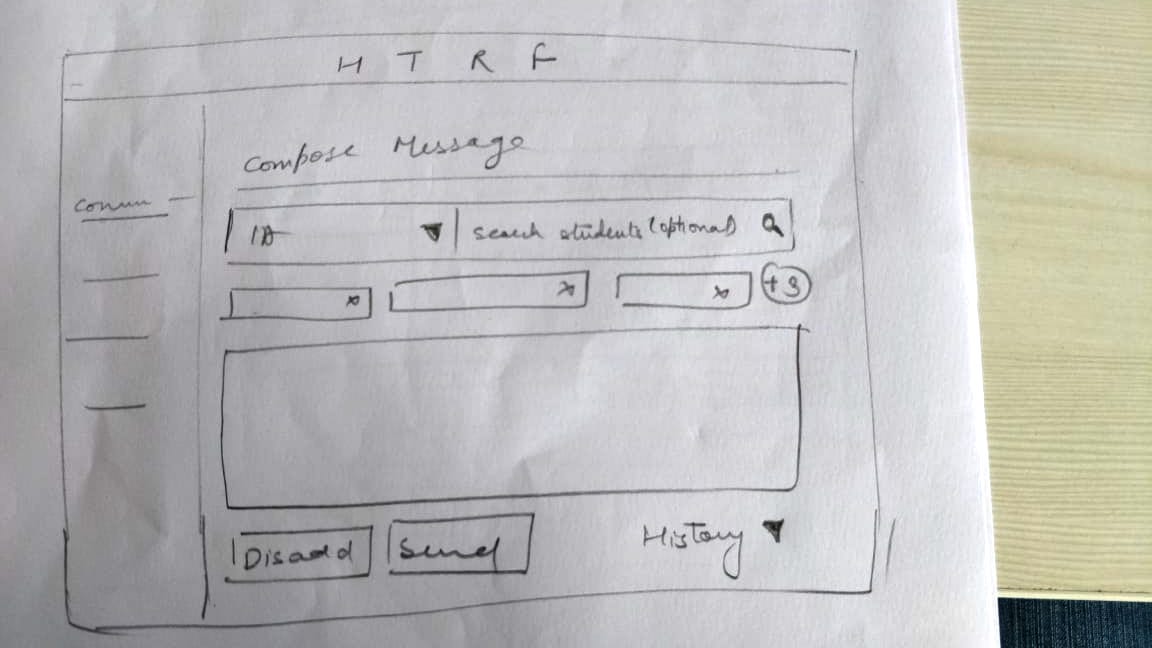
Concept 2
The second concept followed the pre-existing structure followed in message parents feature.
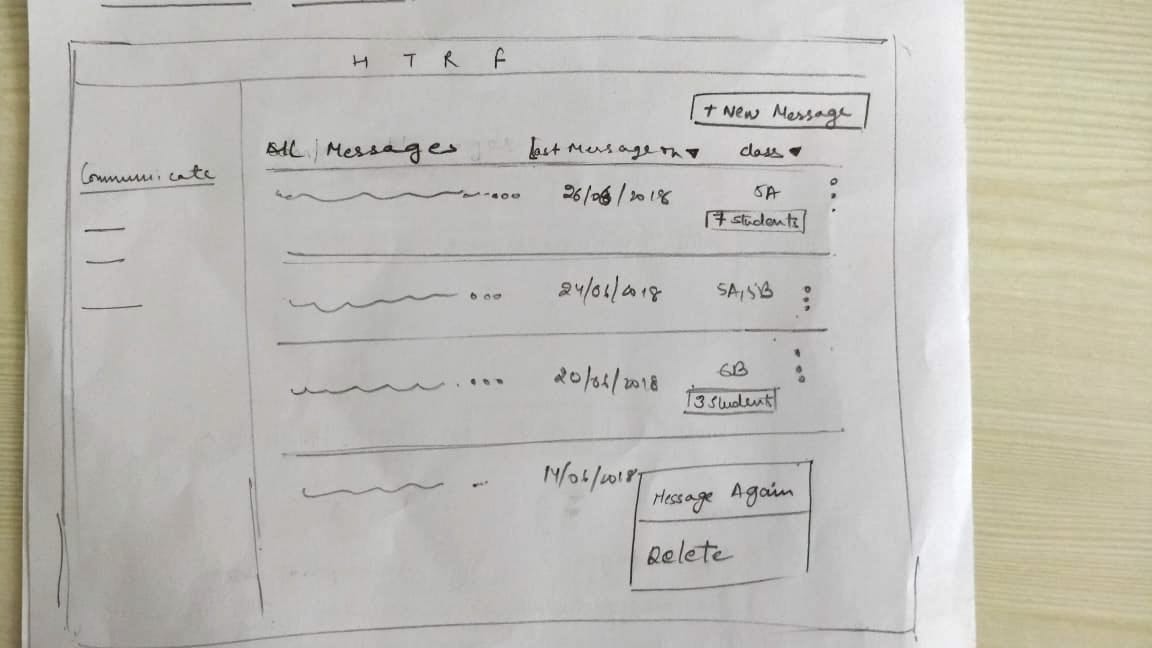
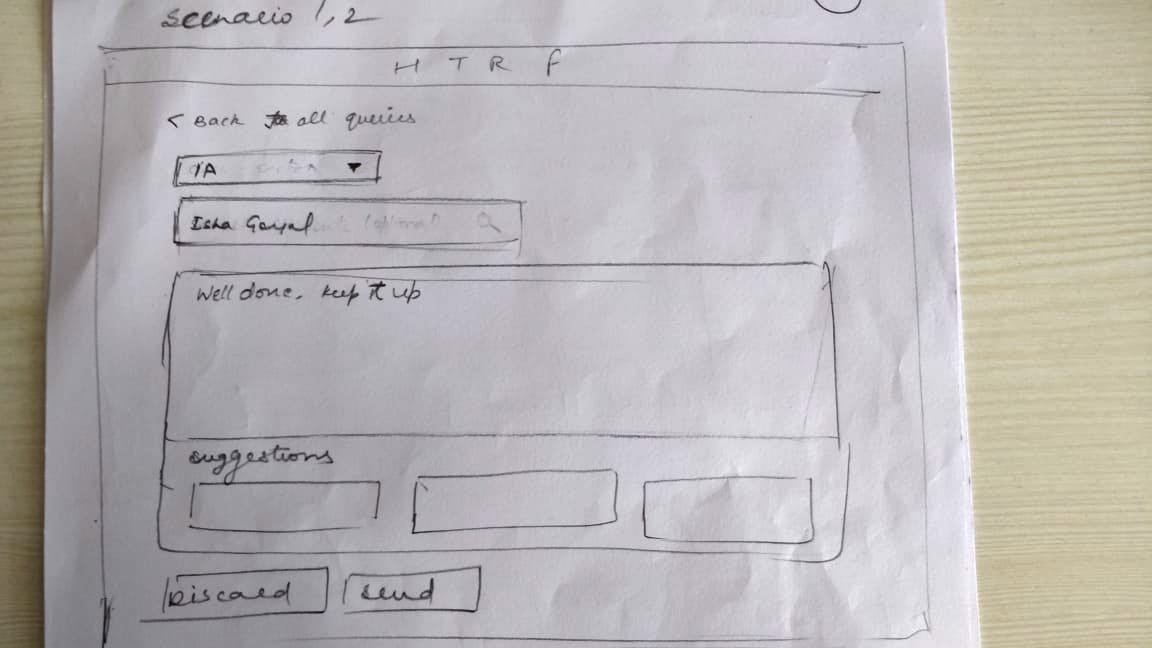
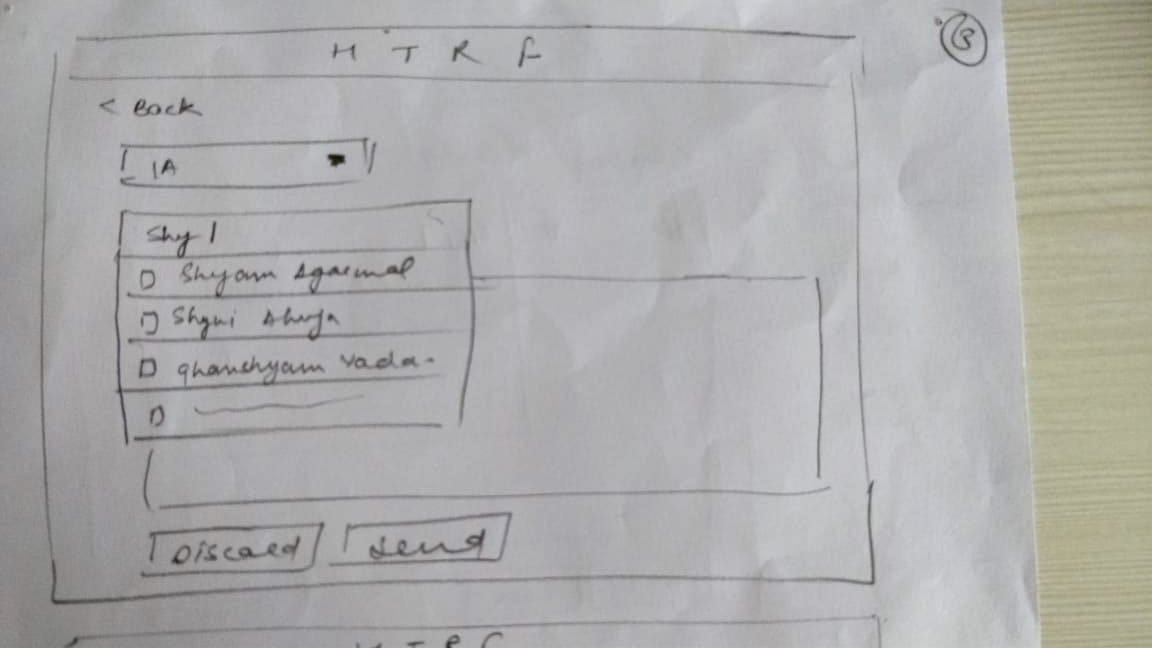
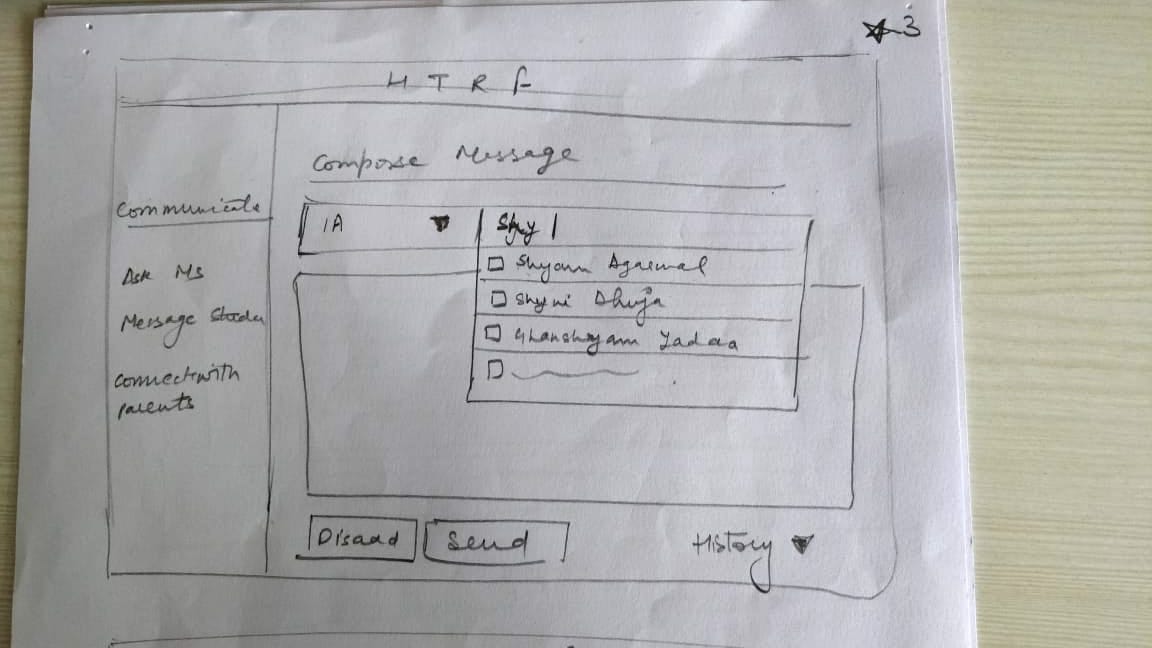

HI FIDELITY PROTOTYPE
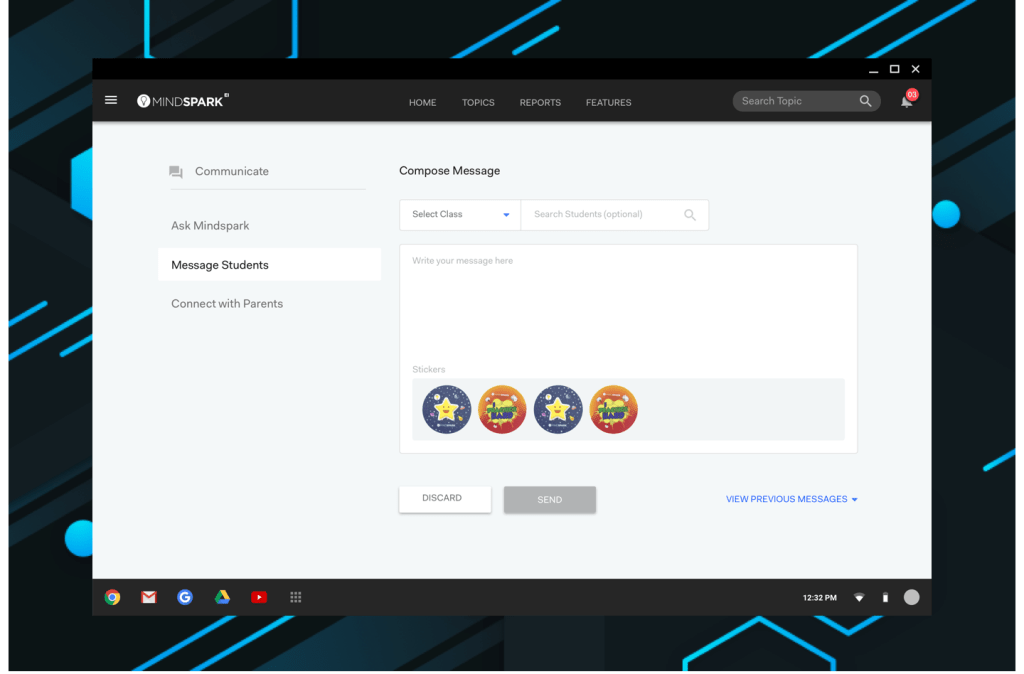
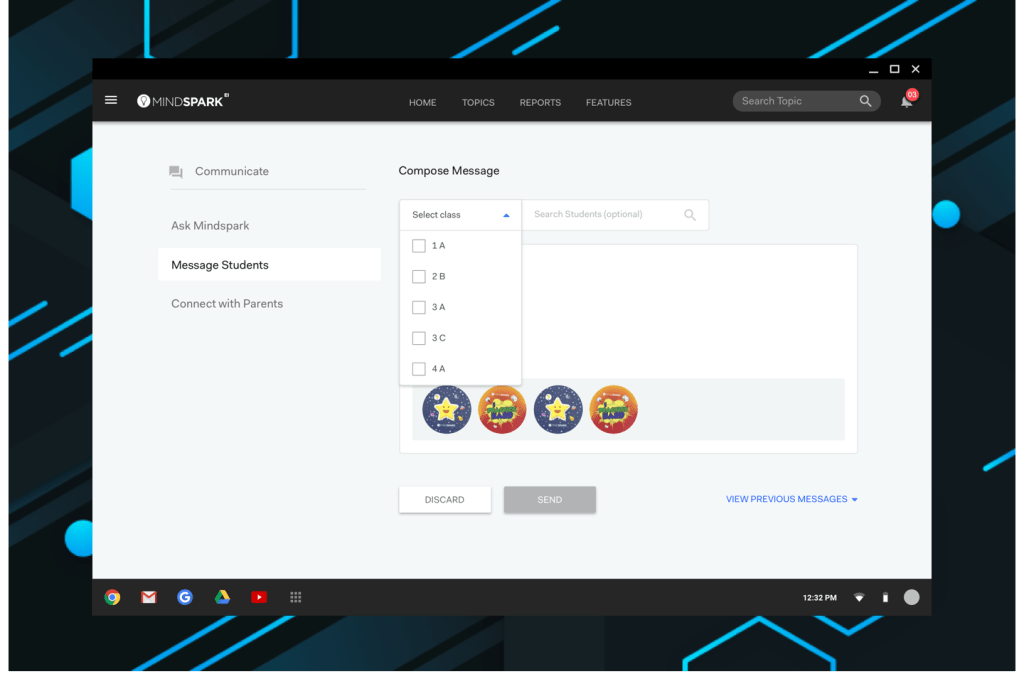
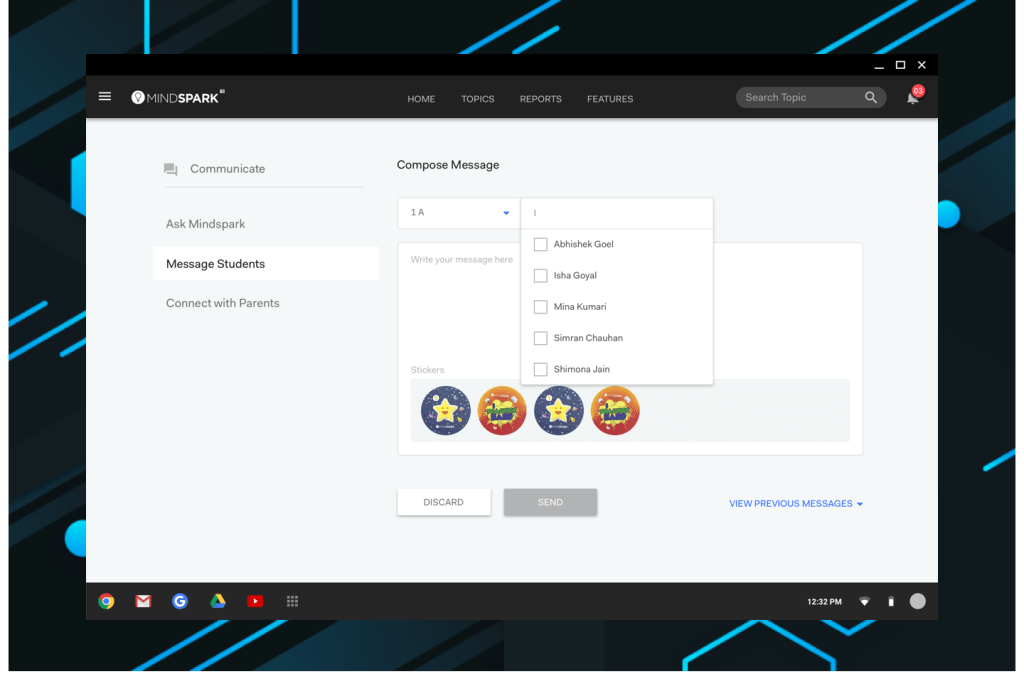
The lo-fi prototpyes were discussed with the product team to understand potential technical challenges and changes were made accordingly. These paper prototypes were then converted to hi-fidelity prototypes. All the screens were stitched together on Marvel for usability testing.
All the visual elements followed a defined design lanuage. The use of icons was kept bare minimum and replaced with text wherever possible to avoid confusions based on the requirements of our user group.
SENSE-CHECK
In Classroom Review
These prototypes were tested with the teachers in classroom environment. Observations were made and semistructured interviews were conducted to comprehend the level interaction teachers had with the interface.
The users were informed about the new interface before testing began and they were assigned different tasks to understand how their behaviour relates with the different scenarios created.
We observed high level of interaction with very few obstructions. Issues were noted with iconography and empty state pages.
ITERATION
With usability testing we found both plus and minus points in the prototypes, the final prototype was an amalgamation of both designs which picked the pros in each of them.
 Isha Goyal